
2026 Best Cold Sublimation Transfer Printing Machine?
Choosing the 2026 best Cold Sublimation Transfer Printing machine starts with one important question: what does “cold” mean in the supplier’s process? The term is not used consistently. Some sellers describe a transfer that cools before peeling, while others use it for a different transfer method. Check the machine’s documented workflow before comparing features. A clear product specification is more useful than a bold label.
For dependable results, compare the printer and transfer system as a complete setup. Look for compatible inks, transfer media, supported materials, print width, and stated production speed. Ask how temperature and pressure are controlled, and whether the supplier provides calibration guidance. Small details count. A test swatch can reveal blurred edges, uneven color, or poor adhesion before a large order is run. Record settings and results; fabric coatings and room conditions can affect output. Test before scaling.
This guide explains what to check when comparing machines, from routine operation to maintenance and supplier support. It also points out where advertised performance may need independent verification. No single model suits every workshop. A small studio may value a compact footprint, while a production team may need consistent output across longer runs. Use sample prints and written specifications to judge claims, not price alone. Some uncertainty remains, especially when vendors use “cold sublimation” differently. That is worth questioning. A careful comparison helps buyers choose a system that fits their materials, workload, and budget.
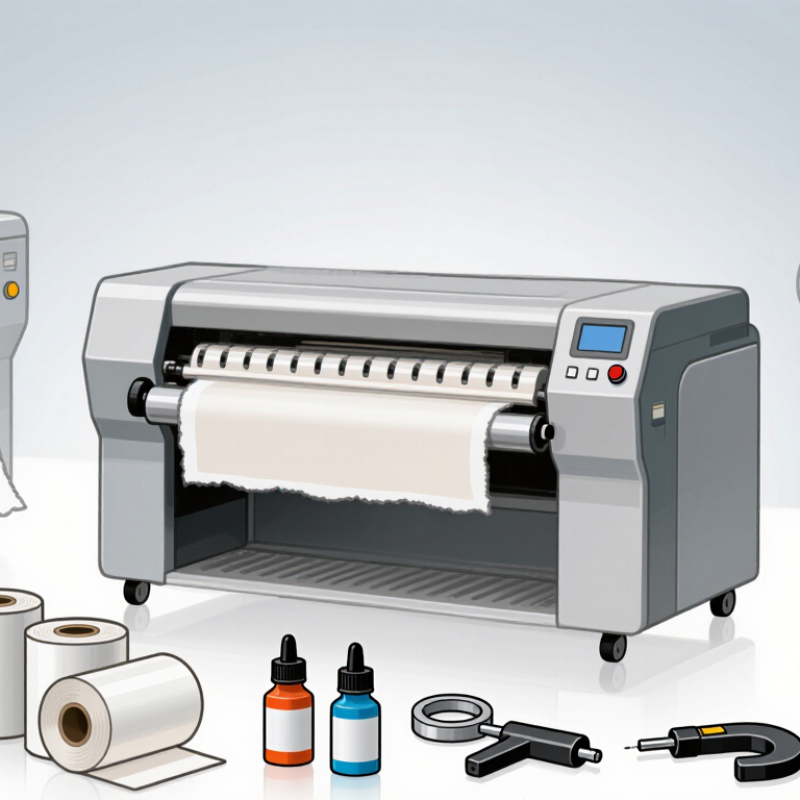
What Is Cold Sublimation Transfer Printing?
Cold sublimation transfer printing uses heat to move dye from printed transfer paper into polyester fabric or a polymer-coated surface. The word “cold” usually describes the peel step: the transfer is allowed to cool before the paper is removed. It does not mean the image transfers at room temperature. That distinction matters when choosing a machine and following paper instructions.
A typical workflow starts with sublimation ink printed in reverse onto coated paper. The dry print is placed against the prepared material, then pressed with controlled heat, time, and pressure. Heat turns the dye into gas, allowing it to bond with compatible polyester fibers or coatings. The result can feel smooth because it adds no thick ink layer. It will not reliably color untreated cotton in the same way.
Machine consistency is crucial. A flat, evenly heated platen helps prevent pale corners, blurred edges, and uneven color. Check temperature with a separate surface thermometer when results seem inconsistent; the display alone may not show every hot or cool spot. Let the transfer cool fully before peeling if the paper calls for a cold peel. Small test prints are worth the time. A first attempt can still look disappointing, especially on textured fabric, so adjust one setting at a time and record what changes.
| Topic | Practical Guide | What to Check |
|---|---|---|
| What “cold sublimation” usually means | In standard dye-sublimation printing, “cold peel” generally describes transfer paper that is peeled after it has cooled. The dye itself is transferred using heat; it is not a room-temperature printing process. | Confirm whether a supplier means cold-peel paper, a cooling step, or a different transfer technology. |
| Basic equipment | A sublimation printer, compatible sublimation ink and transfer paper, a heat press, and a computer with suitable design software. | Check that the printer’s ink delivery system and the paper are compatible with the intended workflow. |
| Printer format | Desktop systems commonly handle sheet sizes such as A4 or A3. Production systems may use roll media, with available print widths varying by machine. | Choose a format based on the largest artwork and expected production volume, not print width alone. |
| Transfer method | Printed transfer paper is positioned against a suitable substrate and pressed with controlled heat and pressure. The paper is peeled according to its instructions, which may require cooling first. | Follow the paper and substrate manufacturer’s temperature, time, pressure, and peeling guidance. |
| Common starting conditions | Many polyester textile workflows begin around 180–200°C (356–392°F) for roughly 30–60 seconds, but the correct settings vary by fabric, press, transfer paper, and design. | Treat these figures as a starting range only. Test a sample and adjust to prevent fading, scorching, ghosting, or poor transfer. |
| Suitable materials | Sublimation is commonly used on white or light-colored polyester textiles and items with a compatible polymer coating. It does not directly dye untreated cotton in the same way. | Verify the material composition and coating. A substrate marketed as “sublimation-ready” should still be tested. |
| Best setup for small batches | A desktop sheet-fed printer paired with a flat heat press can suit samples, personalized items, and low-volume production. | Consider usable press area, temperature consistency, pressure adjustment, and the availability of replacement parts. |
| Best setup for larger production | A roll-fed printer and a suitable calendar or production heat press can support longer runs and wider designs. | Compare actual throughput, media handling, maintenance needs, power requirements, and workspace needs. |
| How to choose a machine | Match the printer and press to your product size, daily output, material type, color requirements, and available workspace. | Request sample prints, confirm software and operating-system compatibility, and check service and consumables availability. |
| Important limitation | There is no single “best” machine for every application, and a cold-peel transfer does not remove the need for heat in conventional sublimation. | Compare complete workflows rather than relying on the term “cold sublimation” alone. |
| Note: Specifications and processing conditions vary by equipment, ink, transfer paper, and substrate. Confirm current manufacturer instructions and test materials before production. | ||